

How to Install Your Kontakt Instrument
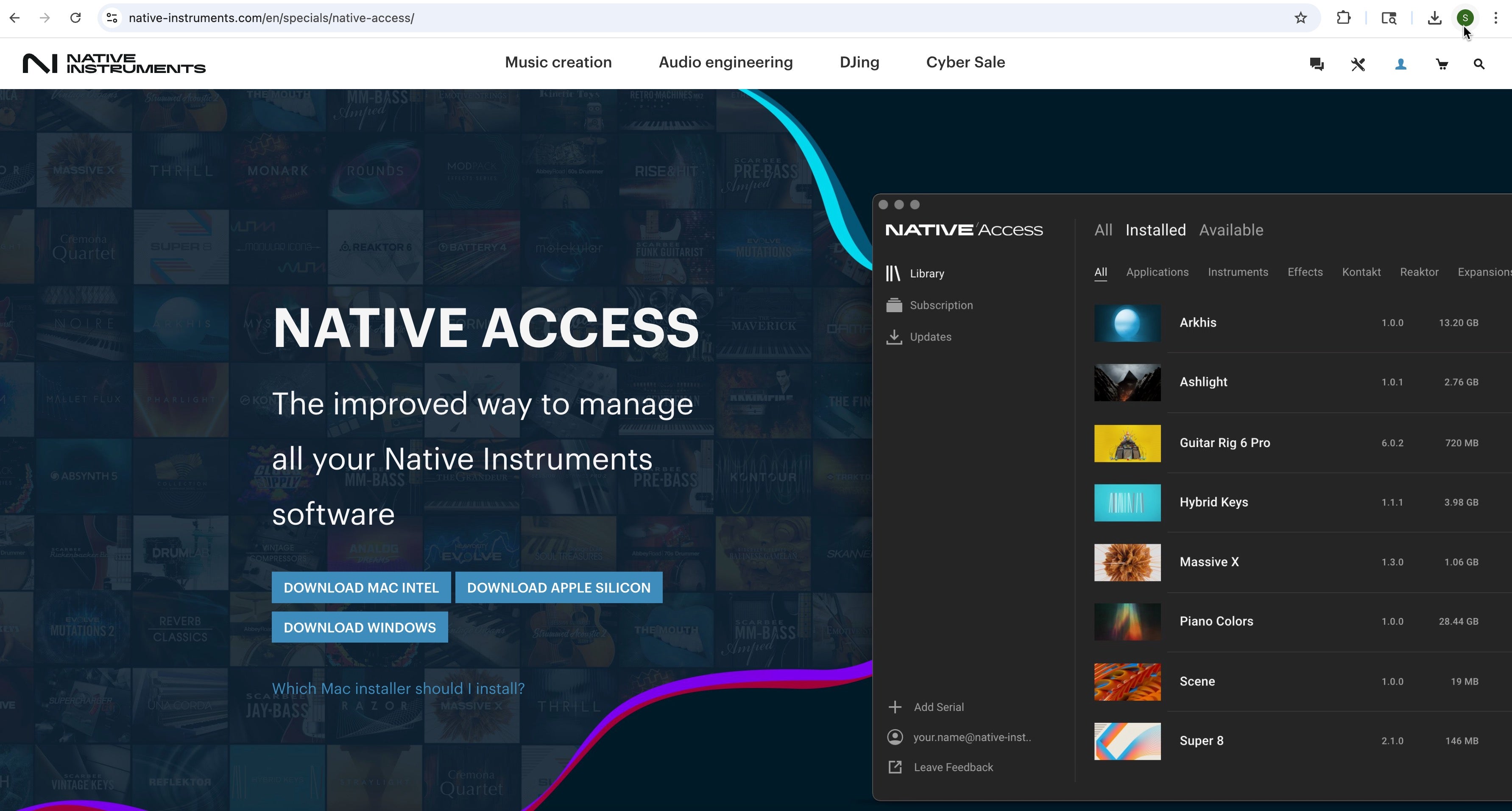
STEP 1 & 2
- If you don't already have Native Access installed (free download), go to the Native Instruments website. Install Native Access 2 for MacOS or Windows.
- Open Native Access and Sign In and go to → Preferences → Content location, and pick the drive/folder you want for our libraries. This can be set to default if you want Native Instruments to add the content where previous KONTAKT libraries have been downloaded.
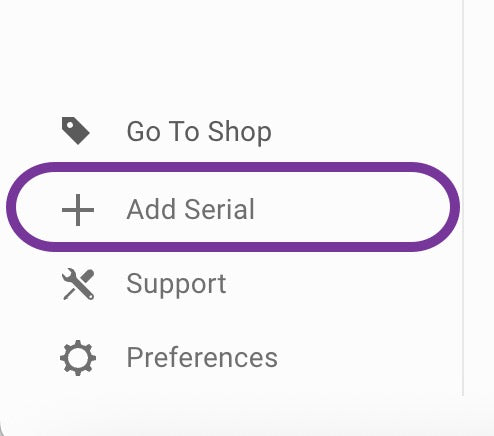
STEP 3 & 4
3. Click Add serial and paste your Drumatica serial. This section is located at the very bottom left of the Native Access window.
4. In the Available or Not installed tab, find your Drumatica product and click Install.
5. When finished, launch Kontakt (standalone once is best) so it scans the new library. You should see it in the Libraries tab.
6. Open your DAW, insert Kontakt/Kontakt Player on an instrument track, and load the instrument.